




CADlink Digital Factory V10 – DTF RIP Software
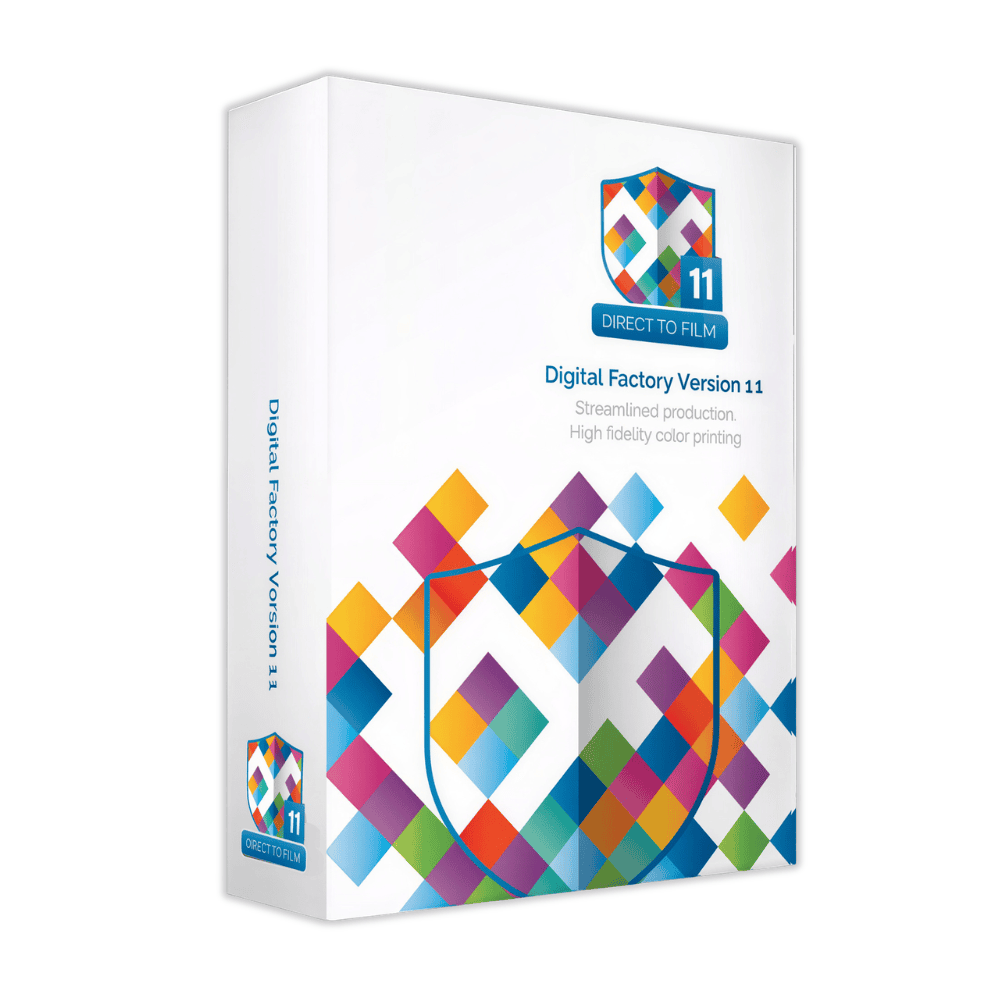
CADlink Digital Factory V10 is a professional DTF RIP software solution designed for file preparation, color management, white ink control and production workflow management for Direct to Film printing.
Digital Factory V10 Overview
Digital Factory V10 Direct to Film Edition provides a dedicated RIP and production workflow for DTF printing. It combines RIP processing, white ink management, color control, file preparation and production tools in one workflow.
The software is designed to help DTF users prepare artwork, configure print settings, optimize media usage and process jobs efficiently.
Key Features
White Ink Management
Automated white underbase processing with tools for white ink control, choke settings and rasterization patterns.
ICC Color Management
ColorLogic ICC technology and factory presets help manage color reproduction throughout the DTF RIP workflow.
Automatic Nesting
Automatic nesting helps arrange jobs efficiently to reduce unused media and improve production planning.
Production Workflow
A structured RIP workflow helps prepare, configure, process and manage DTF print jobs.
Roll Mode
Roll mode supports production workflows using roll-based DTF media.
Barcode Tracking
Barcode tracking tools help identify and manage jobs within the production workflow.
DTF White Ink Management
White ink management is an important part of the DTF RIP process. Digital Factory V10 provides automated white underbase processing and tools designed to control how white ink is applied beneath the color image.
The workflow includes simple choke controls, background knock-out options and rasterization patterns such as No Ink processing for supported production requirements.
Color Management & ICC Workflow
Digital Factory V10 uses ColorLogic ICC technology and factory color presets to support consistent color management during the RIP process.
This allows users to prepare artwork and apply appropriate color processing within the DTF production workflow.
DTF Production Workflow
01
Prepare
Import and prepare supported artwork for DTF RIP processing.
02
Configure
Configure color, white ink and other RIP processing settings for the production job.
03
Optimize
Use nesting and media-saving tools to optimize the arrangement of production jobs.
04
Process
Process the completed job through the RIP workflow for production.
Automatic Nesting & Media Optimization
Automatic nesting helps arrange multiple designs efficiently on the available media. This can help reduce unused film and support a more efficient DTF production workflow.
File Preparation & RIP Processing
Digital Factory V10 supports common artwork and production workflows including PDF, BMP and JPG files, as well as RGB image workflows.
The software provides 64-bit multithreaded RIP processing and supports PDF-based workflows for preparing production-ready print jobs.
Additional DTF Workflow Tools
Background Knock-Out
Tools for removing unwanted background areas during artwork processing.
KnockMeBlackOut & KnockMeColorOut
Dedicated processing tools for supported black and color knock-out workflows.
Send To Plugins
Send To workflow options help move supported artwork into the RIP production process.
Job Archiving
The workflow supports .jbk queue archiving for managing saved RIP job information.
Specifications
| Product | CADlink Digital Factory V10 – Direct to Film Edition |
| Software Type | DTF RIP & Production Workflow Software |
| Operating System | Windows 11 64-bit and Windows 10 64-bit |
| Processor | Intel i5–i7 class processor, approximately 2.6–3.0 GHz |
| Memory | Approximately 8–12 GB RAM |
| Storage | Approximately 500 GB SSD/HDD |
| Supported Workflow | PDF, BMP, JPG, RGB and .jbk job workflow |
| 4K Support | Supported |
Who Is Digital Factory V10 For?
CADlink Digital Factory V10 is designed for DTF printing workflows that require RIP processing, white ink management, color management and production-oriented file preparation.
It is particularly relevant for users working with DTF RIP software and looking for a dedicated software workflow for Direct to Film production.
Licensing & Activation
CADlink Digital Factory V10 is supplied as a digital software license. Your activation code and download instructions are delivered by email.
The license can be deactivated and reactivated online when transferring the active license to another computer. An internet connection is required for activation, license validation and license transfers.
Frequently Asked Questions
Is CADlink Digital Factory V10 a DTF RIP software?
Yes. Digital Factory V10 Direct to Film Edition is designed for DTF RIP processing and production workflow management.
Does the license require a USB dongle?
No. The product is supplied as a digital software license with an activation code and download instructions.
How is the software delivered?
The activation code and download instructions are delivered by email.
Which operating systems are supported?
Digital Factory V10 is supported on Windows 10 64-bit and Windows 11 64-bit systems. It is not intended for Mac or Linux.
Does the software support white ink management?
Yes. The DTF workflow includes automated white underbase processing, white ink controls and related rasterization tools.
Is an internet connection required?
Internet access is required for activation, license validation, license transfers and output-driver related functions.
Get CADlink Digital Factory V10
Get professional DTF RIP software for color management, white ink control and production workflow.



Reviews
Clear filtersThere are no reviews yet.